ZX Zx Tech House

Zx Scanner — Android

Scan to PDF. Nothing leaves your phone.

Point your camera at a document and get a clean, sharp PDF. It saves to your device and stays there. No account, no ads, no tracking.

Request beta access com.zx.scanner  ·  Android 10 and above

Zx Scanner is in closed testing ahead of its Google Play release. Email us to join the test.

You don't have to take our word for it

Plenty of scanner apps promise privacy while quietly uploading your documents. The difference here is structural: Zx Scanner never asks for internet access, so it has no way to send anything anywhere.

Permissions the app declares

  • android.permission.CAMERA To photograph the document you are scanning. Images are turned into a PDF on your phone.
  • android.permission.READ_MEDIA_IMAGES Only when you tap to import a photo or file that is already on your device.
android.permission.INTERNET Not requested. Android will not let the app open a network connection without it. Text recognition runs on your phone, not on a server.

What this means in practice

Your scans sit in the app's private storage on your phone. We have no servers, so there is no copy of your documents anywhere else and nothing for us to hand over or lose in a breach.

When you back up, export or share a file, that transfer happens because you chose it, through whichever app or cloud service you picked. Zx Scanner just hands the file over.

Subscriptions are the one exception, and they go through the Google Play Store app rather than through Zx Scanner. We never see your payment details. Read the full privacy policy.

What you get

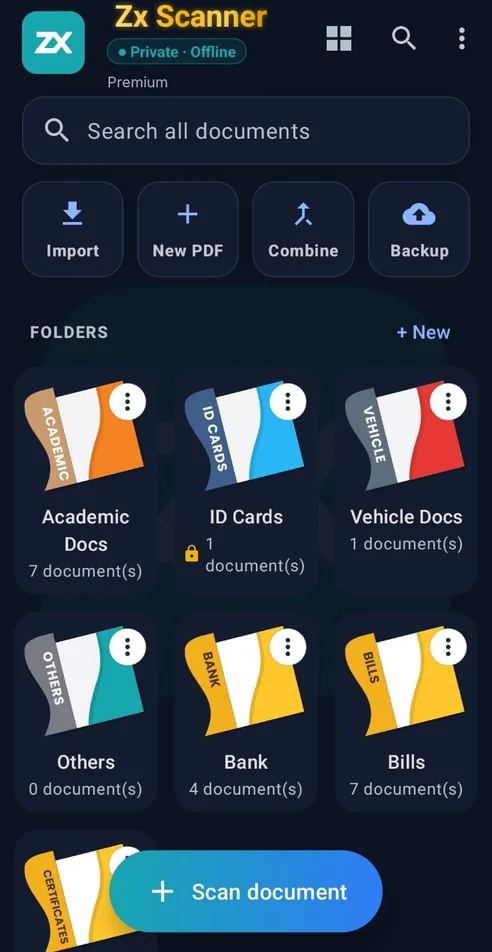
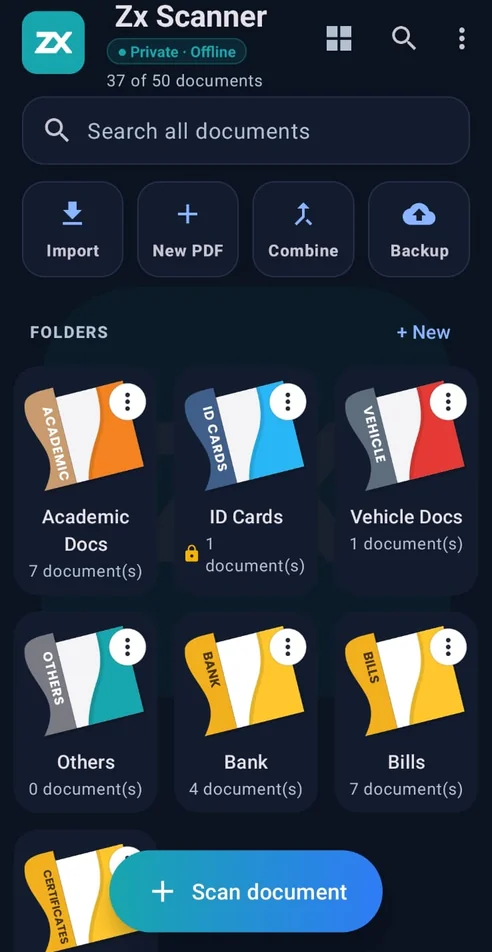
Everything you need to scan, organise and share documents is free. Premium adds the heavier tools and lifts the limits.

Free No cost
No ads
  • Scan to PDF with automatic edge detection
  • Full page editor — reorder, rotate, delete and add pages; crop, filter, clean up, erase and retake, with undo and redo
  • Draw and write on any page with the pen tool
  • Swipeable viewer with pinch-to-zoom
  • Folders, drag-to-reorder and serial numbering
  • Search every document by name
  • Import PDFs and photos from other apps
  • Print and share
  • Back up and restore to storage of your choice
  • Open and unlock password-protected PDFs
  • Up to 50 documents, up to 10 MB each
Premium ₹149
6 months
  • Unlimited saved documents
  • Unlimited file size
  • Batch scanning, up to 100 pages in one go
  • Extract text with OCR, in English and Hindi
  • Save any page as a JPEG
  • Merge several PDFs into one
  • Compress PDFs to reduce file size
  • Password-protect your PDFs

If your subscription ends, nothing is deleted. You keep full access to view, edit, share and export everything you have already scanned.

Zx Premium

₹149 every 6 months · auto-renewing · inclusive of tax
  • Sold throughGoogle Play Billing. Google is the seller and handles the payment; we never receive or store your card or bank details.
  • Product IDzx_premium
  • Billing period6 months, renewing automatically until you cancel.
  • DeliveredImmediately. Premium features unlock in the app as soon as Google confirms the purchase.
  • CancellingAny time, from Subscriptions in the Google Play Store app. You keep Premium until the period you paid for runs out.
  • RefundsHandled under Google Play's refund policy. See our refund and cancellation policy.

Built for the upload box that says "max 200 KB"

Anyone who has applied to an Indian government portal, a university admission form or a recruitment site knows the routine. The form wants your marksheet as a PDF under a specific size. Your scan is 4 MB. The upload fails, and you go looking for a website that will compress it for you.

Uploading your marksheet to a random compression site is exactly the thing you should not do with a document that carries your name, photo and roll number.

Zx Scanner is built so you never have to. Scanning, text recognition and compression all happen on your phone. Your documents are never uploaded anywhere in order to be processed, because there is nowhere for them to be uploaded to.